


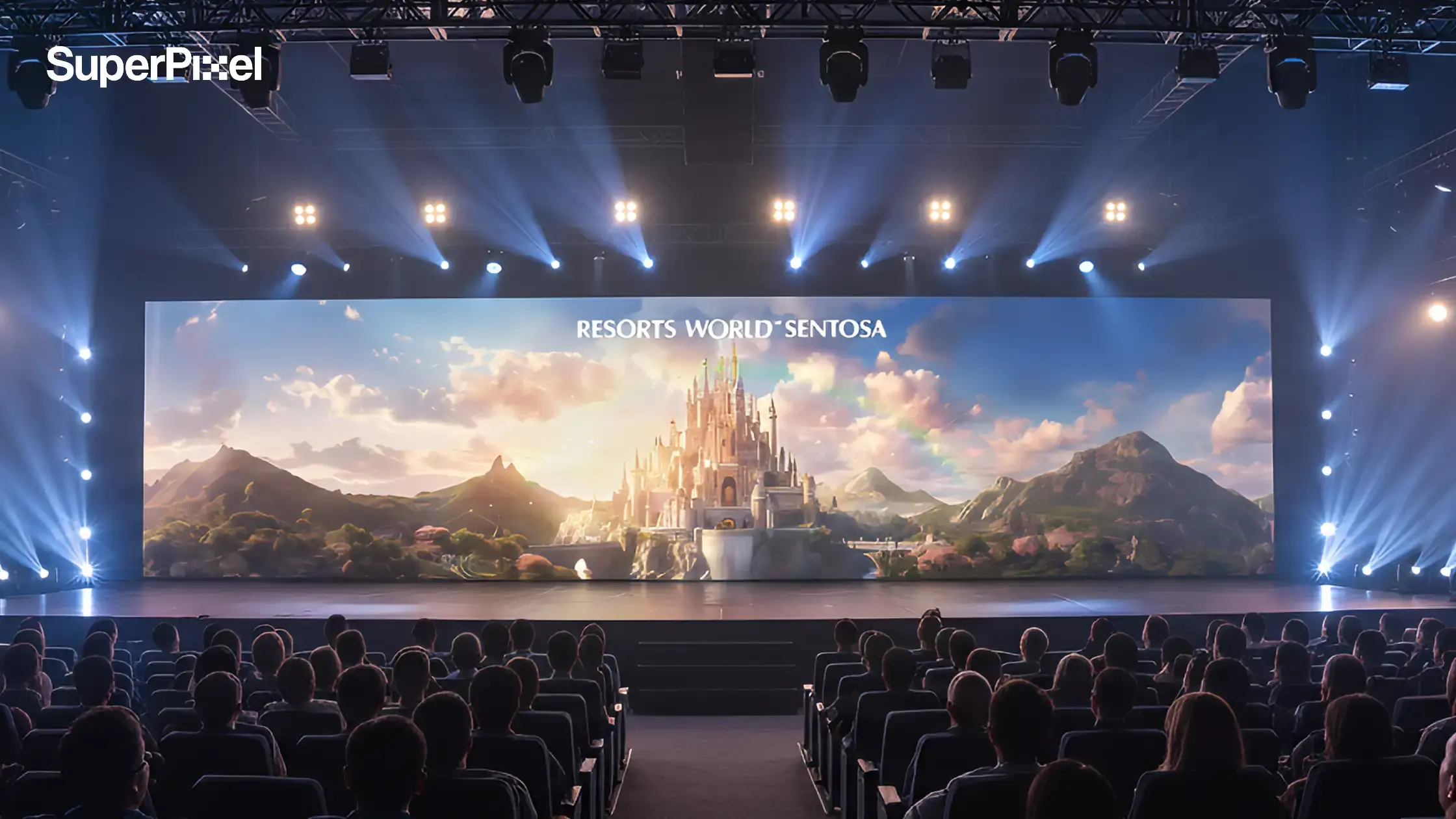
AI video production is moving fast, but speed alone does not guarantee better results.
What looks efficient at the start can quickly turn into hidden costs, revision delays, and quality issues once production is underway.
The real question is not whether AI can make a striking video, but whether it is the right production route for your campaign.
A quick demo is very different from an asset that can survive approvals, localisation, and reuse across channels.
Read on to see when AI saves time, when it adds risk, and how to choose the smarter path for ROI.
Key Takeaways:
- AI video production is strongest where speed, variation, and low-stakes exploration matter more than perfect control.
- The real choice is rarely AI or traditional. It is which stages should move faster and which stages need tighter direction.
- Before you choose, ask how many approvals, variants, and compliance checks the video will need after the first draft.
- Once you score the project by control, risk, and reuse, the right production path usually becomes clearer.
- AI can reduce production time, especially in editing and versioning, but it cannot replace production judgement.

What AI Video Production Is Good At (And Where It Breaks)
AI video production is strongest when speed and volume matter more than perfect control.
It works well for fast concepting, lightweight social media content, rapid cutdowns, and testing multiple variations. If your goal is to move quickly and explore ideas at scale, AI can significantly reduce production time.
However, it becomes less reliable when consistency and precision are critical. Maintaining stable characters, accurate product details, or a single approved visual style across multiple assets is still difficult. This is where traditional or hybrid production often performs better.
According to Wistia’s 2025 guide to AI video creation, AI becomes most useful when it supports several workflow stages instead of trying to replace production judgement outright. We see the same pattern in practice.
In practice, most AI workflows fall into three categories: text-to-video, image-to-video, and AI-assisted editing. These are not equal in terms of control. Text-to-video offers speed but less consistency, while AI-assisted editing provides the most stability because it builds on approved assets.
That is why the real decision is not AI vs traditional, but where AI should be used within the production process. AI is most effective when it accelerates specific stages, not when it replaces production judgement entirely.

AI Video Production vs. Traditional Video Production
If you are deciding between AI video production and traditional production, the best choice usually depends on what matters most for the project. The table below compares both approaches across the factors that most often affect ROI, speed, and production risk.
| Evaluation Area | AI Video Production | Traditional Video Production | Best Fit |
|---|---|---|---|
| Budget | Usually more affordable for short-form content, rapid testing, and multi-version output. Costs stay lower when you need many edits or variations. | Often requires a larger upfront budget due to crew, equipment, talent, locations, and post-production. | AI Video |
| Production Speed | Faster to produce, especially for early concepts, cutdowns, and campaign variations. Useful when speed matters. | Takes longer because planning, filming, approvals, and editing happen in separate stages. | AI Video |
| Visual Quality | Can deliver strong results for social content, performance ads, and certain branded assets, but quality can vary depending on the tool and workflow. | Still the stronger choice for flagship campaigns, emotionally driven storytelling, and high-end brand films. | Depends on Project |
| Scalability | Easier to scale across formats, languages, and multiple versions without increasing cost at the same rate. | Each new version usually needs more production time, budget, and coordination. | AI Video |
| Creative Control | Works well for rapid experimentation, but outputs can be less predictable and may require multiple rounds to get exactly right. | Offers tighter control over casting, lighting, direction, environment, and shot design. | Traditional |
| Authenticity | Effective for concept-led content and some commercial use cases, but it can still struggle to match the nuance of real people and real environments. | Better for capturing genuine human expression, live-action realism, and emotionally sensitive communication. | Traditional |
| Marketing Performance | Strong for direct-response campaigns where fast testing and frequent iteration can improve results over time. | Strong for brand campaigns where polish, perception, and emotional resonance matter more than fast optimization. | Depends on Project |
| Brand Consistency | Can maintain a repeated visual style well if the workflow is structured carefully and references are controlled. | Can be highly consistent too, but results may vary across crews, shoots, editors, and production setups. | Depends on Project |
| Revision Speed | Revisions, format changes, and new variations can often be produced |
How AI Video Generation Works
AI video generation works by turning simple inputs into complete video outputs through automated processes.
- The AI video generation process typically involves inputting a prompt, which the AI then uses to create a video that aligns with the user’s description.
- AI video generators can create videos from simple text descriptions, images, or prompts, making it easier for users without technical expertise to produce content.
- These tools leverage advanced technologies such as machine learning and natural language processing to deliver high-quality videos with minimal effort.
- AI automates mechanical post-production tasks such as color correction, audio balancing, silence removal, and auto-reforming for different platforms.
- AI video generation helps craft high-quality videos without the need for expensive equipment, actors, or even video editing skills.
- AI video generation is revolutionizing content creation by making it more accessible and efficient for businesses and individual creators alike.
Features of AI Video Editing Tools
Most AI video editing tools share several core features that make them attractive for marketing teams looking to produce content more efficiently.
- High-quality video output is a common feature among AI video editing tools, allowing exports in various resolutions, including 4K.
- Customization options are available in many AI video editing tools, enabling users to add their own content and make adjustments easily.
- Many AI video editing tools integrate with other software and platforms, enabling seamless workflows and automation.
- Many AI video editing tools offer features that allow users to generate videos from text prompts or images.
However, having these features does not guarantee consistent output quality.
Comparative Analysis of AI Video Generators
With so many AI video tools available, it can be hard to know which one to pick. This comparison table breaks things down in a simple way, so it’s easy to follow even for beginners.
| Tool | Key Strength / Positioning |
|---|---|
| Synthesia | Synthesia allows users to create videos with realistic digital avatars. |
| Google Veo | Google Veo is known for its reliable, high-quality video generation from prompts or images. |
| Runway | Runway offers multiple AI models for different film-making tasks and is noted for its cinematic outputs. |
| Sora | Sora is recognized for its ability to turn stories into cohesive videos, although it can be harder to control than some competitors. |
| Luma Dream Machine | Luma Dream Machine is designed for brainstorming and iterating on creative video ideas, but its output quality is not as high as some other tools. |
| Adobe Firefly | Adobe Firefly is marketed as a commercially safe AI video generator, trained on licensed content to avoid copyright issues. |
| Vyond | Vyond specializes in creating animated character videos from prompts, making it a unique tool in the AI video generation space. |
| Live Avatar by HeyGen | Live Avatar by HeyGen offers interactive, real-time digital avatars. |

AI Video Workflow
A clear workflow helps teams use AI more efficiently and avoid wasting time on too many revisions. Instead of generating endless options, the goal is to make each step more controlled, faster to review, and easier to scale.
Start with a clear brief before you create AI videos
Before using any ai tool, define the message, claim limits, tone, and visual references. This helps teams create high quality videos faster and keeps the creative process focused on useful video content instead of random creative ideas.
Lock the story and style before generating anything at scale
Set the story flow, cinematic style, and approved visual references early, especially for training videos, complex scenes, or any campaign that needs consistency.
Tools like Luma AI, LTX Studio, the firefly video model, and other models can support image generation and exploration, but they work better once the direction is already clear.
Use references to reduce drift during production
Approved frames, product details, and example video clip references make it easier to control camera movement, structure, and style. This is especially useful when teams want to enhance videos without losing brand consistency.
Treat AI as part of the editing process, not the whole answer
AI is great for speeding up the editing process with tasks like background music, sound effects, audio generation, and versioning for different formats. It can also help create ai videos for fast testing, but strong review rules still matter.
Keep review and version control tight
Check each output for character consistency, product accuracy, on-screen copy, and approval status before moving forward. This keeps viral moments, creative ideas, or fast iterations from turning into messy team collaboration.
Plan around tool limits, credits, and workflow risk
Some powerful tools offer a free plan, while others depend on ai credits or paid plans, so production decisions should not rely on one great tool alone. Look for seamless integration with your workflow, whether that means Creative Cloud, ai agents, or other systems your team already uses.
Use AI where it helps most, not where it creates more noise
AI works best when it supports fast exploration, versioning, and repetitive production tasks, especially for video content that needs speed. But for high-stakes messaging, complex scenes, or originally published hero assets, human control is still what keeps quality stable.

Risks You Should Plan For
AI video production is not just about output quality. It also comes with operational risks that can affect long-term workflows and decision-making.
| Risk Area | What It Means | Why It Matters | What to Do |
|---|---|---|---|
| Vendor Lock-In | Vendor lock-in happens when too much of your production process depends on a single tool. | If pricing changes, features disappear, or output quality shifts, your entire workflow becomes fragile. | Keep local assets, document prompt logic, and maintain independent approval processes. |
| Brand Safety | Brand safety is another critical factor. Not everything AI can generate is suitable for public use. | Sensitive campaigns require clear rules around claims, representation, and disclosure especially when using AI avatars or synthetic content. | Define clear guardrails before production starts, especially for public-facing campaigns. |
| Avatar Use | Avatar-based platforms such as Synthesia and HeyGen use realistic digital humans to present training or marketing messages. | These tools can be useful, but they also raise questions around realism, disclosure, and audience trust. | Use them carefully in the right context, especially for training videos or internal communication. |
| Governance | While many tools improve efficiency, they do not replace governance. | Many AI video editing tools integrate with other software and platforms, enabling seamless workflows and automation. However, strong review ownership is still essential for public-facing content. | Make sure review responsibility stays clear, even when the workflow becomes more automated. |
Who Should Produce It: Your Team, an Agency, or a Studio?
The right production model depends on what matters most: speed, testing, rollout, or craft. Some teams only need fast in-house content. Others need campaign learning across channels. But when the work calls for stronger storytelling, polished finishing, and consistency across markets, a studio-led approach usually delivers more control.
In-house works best for speed and simple execution
An in-house AI setup can work well for quick testing, lightweight content, and fast turnaround. But software access alone is not enough. You still need clear briefs, review ownership, editing capability, and someone who can turn raw outputs into a coherent message.
Agencies are useful for testing and media rollout
An agency-led model makes sense when the focus is performance, distribution, and multi-variant campaign rollout. This is often the right fit for fast-turn social content, audience testing, and short-cycle marketing assets.
Studios matter when the work needs craft, consistency, and finish
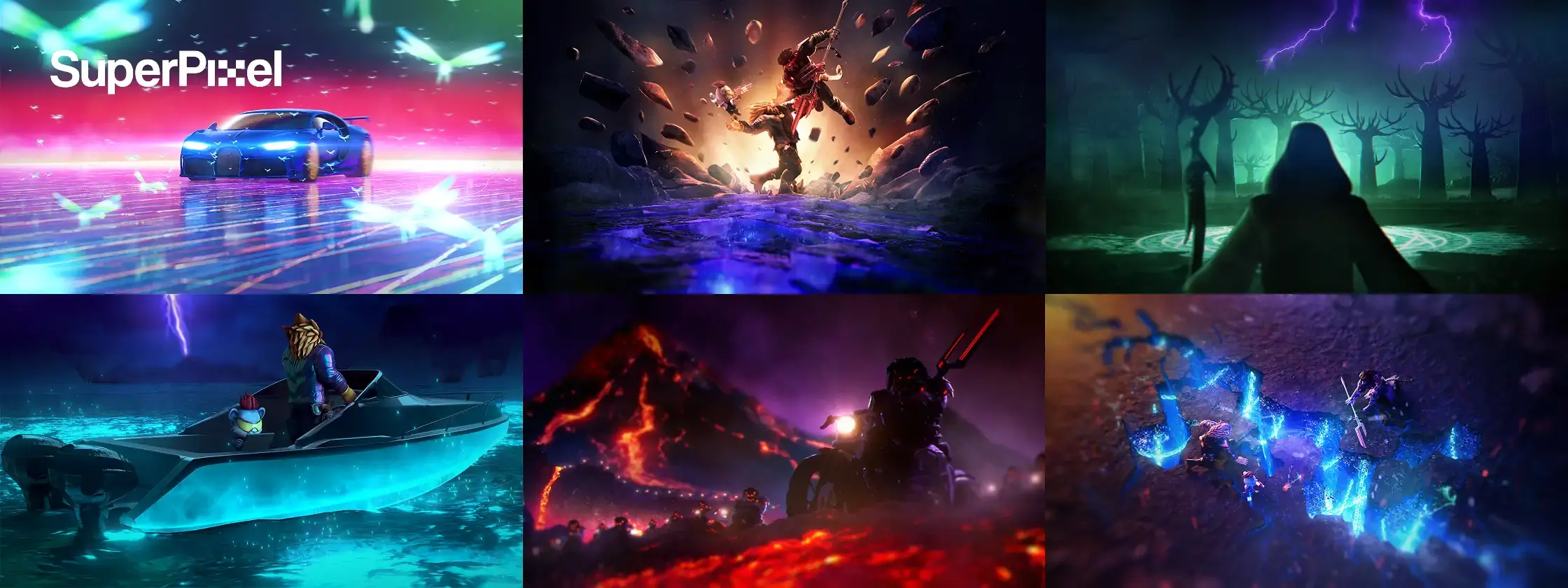
This is where SuperPixel adds the most value. For launch films, product explainers, high-visibility internal narratives, and branded storytelling, the challenge is not just producing content quickly. It is making sure the story holds together, the visuals stay consistent, and the final output feels premium across every version.
At SuperPixel, AI can support the early creative process, but it does not replace artistic judgment.
In our storytelling work for Mount Elizabeth Hospital, for example, AI helped shape the initial visual direction, while our artists refined the final piece to make it feel warmer, more human, and appropriate for a public-facing healthcare space. That balance is where studio craft matters most.
If you are deciding between an in-house AI workflow and a more directed production approach, the real question is simple: which parts need to move faster, and which parts need tighter creative control?

Frequently Asked Questions
What is the best AI video generator for social media content?
There is no single best AI video generator for every brand or brief. The right choice depends on whether you need speed, easy versioning, or more control over short-form social media content.
Are ai avatars useful for training videos and internal communication?
Yes, ai avatars can work well for training videos, internal updates, and simple presentations. They are most effective when realism is less important than speed, clarity, and consistency.
How do ai video tools compare with traditional video tools?
AI video tools are stronger for speed, automation, and rapid content creation, while traditional video tools still offer more control and polish. In many cases, the best workflow uses both.
What is the difference between text to video and image to video?
Text to video creates visuals from written prompts, while image to video uses existing images or visual references to guide the output. Image to video usually gives teams more control over style and consistency.
Can ai agents and ai video tools help enhance videos?
Yes, ai agents and ai video tools can help enhance videos by speeding up repetitive tasks like editing, captions, resizing, and basic post-production. They are useful for efficiency, but final quality still depends on human review.
Are ai video tools good enough for explainer videos?
AI video tools can support explainer videos, especially in early drafts, simple animations, or quick turnaround projects. But when structure, clarity, and long-term brand consistency matter, stronger creative direction is still important.