Lately, I’ve been seeing more people get excited about AI 3D animation because it looks incredibly fast.
You upload a video, get motion capture data, map it to a character, and suddenly you already have something moving on screen. In some cases, it really can feel like you can start creating in just a few clicks.
But for most business projects, the real question isn’t whether the tech works. It’s whether the output actually works for what the brand needs. Can it communicate clearly, feel polished enough, and hold up through feedback rounds?
That’s where the conversation gets more interesting. Because for marketers, the choice usually isn’t just “AI or not.” It’s whether an AI-only, hybrid, or studio-led animation workflow gives you the right balance of speed, quality, and control.
Key Takeaways:
- AI animation 3d works best when the project needs speed more than nuanced performance.
- Motion capture and auto-rigging can shorten the animation process, but they do not remove revision risk.
- Character animation for brands, mascots, humanoid characters, and game characters still needs human control in key moments.
- A hybrid workflow often gives buyers the best balance of fast output, clean export, and editable files.
- The right choice depends on what the animated content needs to do: test, explain, persuade, or represent the brand.
What AI Animation 3D Can Already Do for Motion Capture and Animated Content
A team records a person walking across a room on a phone or computer. They upload the video, let the software generate motion capture, and preview a moving 3D model on the same browser session.
A few minutes later, they export a file for Blender, Maya, Unity, or Unreal Engine and share it in a review chat. That is why ai animation has moved from curiosity to real creative work.
This change matters because the old animation process used to ask for more setup before anyone could even watch a draft. Today, many tools help creators animate a base layer immediately.
They can test motion, build scenes, try different settings, and see whether an idea has life before spending extra budget on polish. For business teams, that early speed can be useful.
Where AI Animation 3D and Motion Capture Add Value First
The clearest value shows up in low-risk work. A product team needs a rough explainer video for a sales meeting. A startup wants animated content for an internal pitch.
A creative lead needs to explore two directions before the real production starts. In these cases, ai animation 3d can help teams create quickly, compare ideas, and move the project forward.
Motion capture is especially useful here. Instead of building every move from scratch with keyframe animation, the team can capture motion from video, map it to humanoid characters, and adjust the result.
That reduces setup time and gives buyers something visible to react to. For simple briefs, that alone can be enough to support decision-making.
Which Animated Content Formats Can Tolerate Faster, Simpler Motion
Some formats can tolerate rougher movement without hurting the outcome. Internal demos, test visuals, prototype scenes, early film boards, simple product walkthroughs, and lightweight YouTube explainers often fall into this group.
The audience only needs to understand the idea. They are not judging every line of motion, every pause, or every facial beat.
That is why ai animation works well for certain animated content. A stiff hand raise or a slightly mechanical turn may not matter when the goal is to show process, software flow, or basic camera movement.
In those situations, speed has real value. The team can generate, watch, edit, cancel weak directions, and upgrade what looks promising.
Why Early Explainers, Product Demos, and Internal Visuals Are Often a Better Fit Than Hero Films
A hero film has a different job. It needs to hold attention, protect the brand, and feel strong on a large screen, a phone, and a crowded social feed.
A rough internal explainer can survive with a few limitations. A launch asset usually cannot.
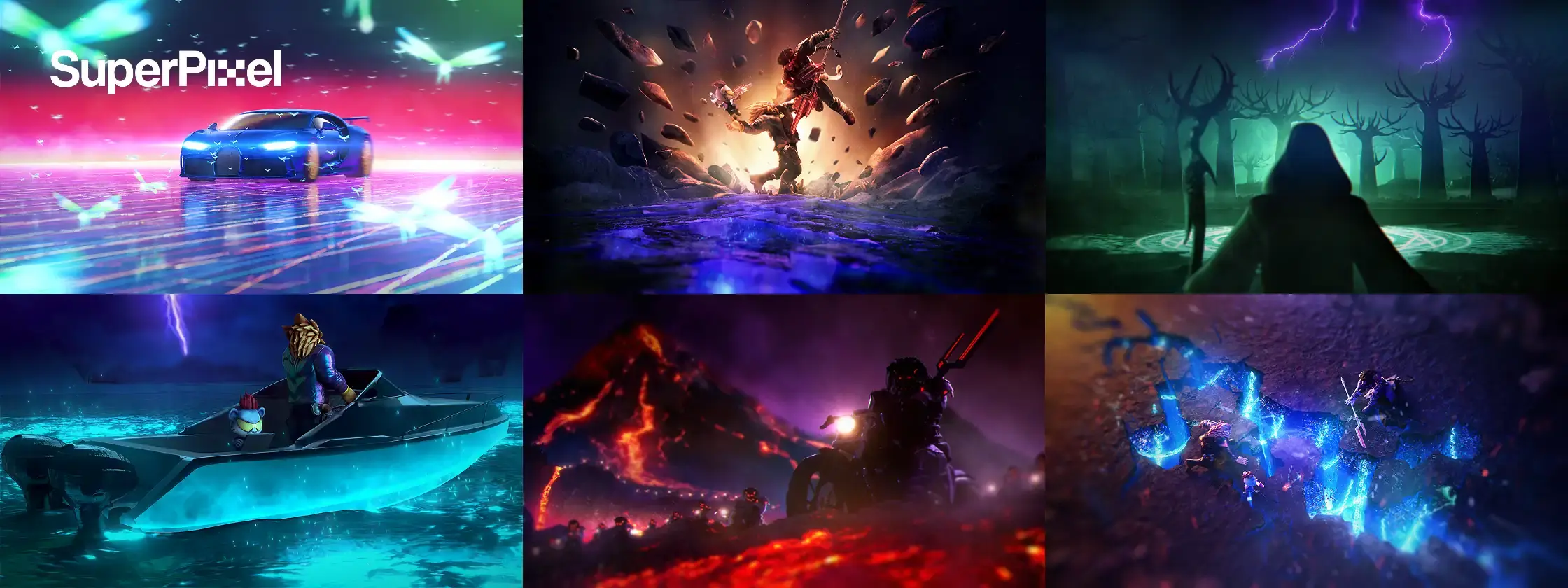
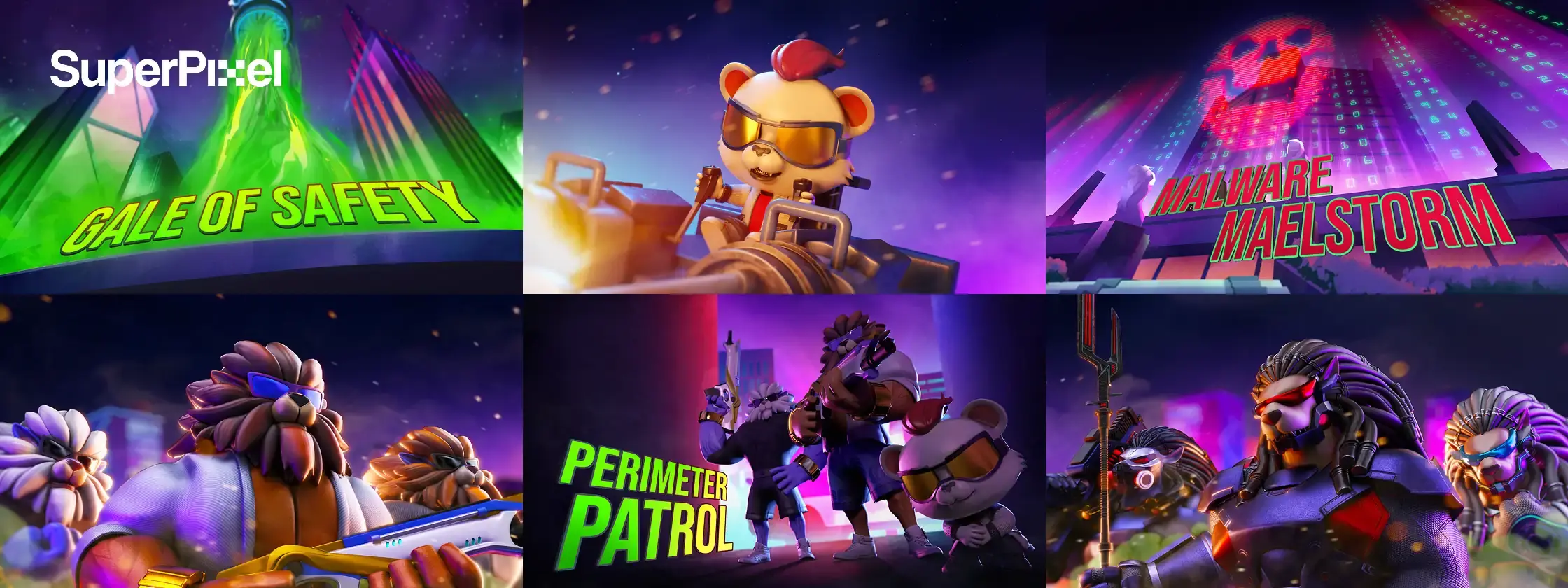
That’s also why the Crypto.com case is useful here. For Loaded Lions: Mane City – Fractured Fate, Crypto.com came in with the animatic, storyboards, character designs, and concept art already prepared.
From there, the work shifted into turning that pre-production into a polished 60-second cinematic trailer through stylised 3D animation, FX-driven sequences, world transitions, and lighting.
This is where AI needs to be framed carefully. In a workflow like this, AI may help at the support level by speeding up visual exploration, reference development, or rapid prototyping. But that is very different from saying AI can carry the full weight of a public-facing hero film.
Once the asset has to land emotionally, stay visually consistent, and hold up across platforms, the result depends much more on creative direction, animation judgment, pacing, FX, lighting, and final polish.
So the better question is not “Can AI animate?” It is “What level of quality does this business result actually need?” If the output is there to test ideas, AI may be enough.
If the animation has to sell, reassure, or carry a message in public, buyers need to think beyond raw generation speed.
Why AI Animation and Motion Capture Alone Often Fail Brand-Led Character Animation Briefs
A rough pass looks usable on a laptop. The team plays it in a review. Then the comments start. The mascot feels weightless.
The timing lands half a second late. The character turns, but the intent is unclear. A marketer says it needs more warmth. A stakeholder says it looks too much like a game test. The first draft was fast. The approval process is not.
That is where many AI animation projects get stuck. The tools can generate motion, but the motion still needs to perform. In business work, performance is part of the message.
Why Fast AI Animation Is Not the Same as Business-Ready Character Animation
Business-ready character animation needs more than movement. It needs readable poses, clear timing, and controlled expression. A character should not just move across the world. It should make the viewer understand something immediately.
That is where keyframe animation still matters. Even when AI handles the first motion pass, animators often need to refine the spacing, edit transitions, adjust eyelines, and customize gestures.
Without that layer of control, the animation may feel realistic in a technical sense but still weak in a commercial one.
What Production-Ready Actually Means Before a Buyer Should Approve Delivery
Production-ready means the file survives real use. The motion can be edited. The export works in the chosen workflow. The rigging holds up when someone asks for changes.
The character still reads on a phone, a laptop, and a live presentation screen. The team can access the assets later without rebuilding the project from zero.
That is a different bar from “the preview looks good.” A fast AI draft may help you start creating. It may even look strong in one browser window. But if it creates cleanup issues in Blender, Maya, Unity, or Unreal, the process slows down later.
How to Choose Between AI Animation, Hybrid Motion Capture Workflows, and Studio-Led Character Animation
Buyers usually get better results when they stop asking, “AI or no AI?” and ask a more practical question: what kind of workflow gives this brief the right balance of speed, control, quality, and commercial readiness?
Today’s AI animation tools can do a lot more than generate rough movement. They can support markerless motion capture from standard video, auto-rigging in a much shorter time, and even help smooth rough motion by generating cleaner transitions between poses.
But that does not automatically make every output client-ready. The real decision is about how much refinement the project still needs.
Choose AI Animation Only When Speed Matters More Than Nuance
Go AI-only when the project is simple, low risk, and easy to replace. That could be a rough product video, an internal proof of concept, or early animated content meant to test ideas. In this case, the goal is to create motion quickly, not to deliver a finished performance for commercial use.
This route makes sense because modern ai animation software is much more accessible than traditional pipelines.
It allows creators to start with standard video footage instead of specialized motion capture suits, generate basic movement faster, and work with a range of character types, from humanoid and biped figures to more stylized characters. For early-stage content, that speed can be enough.
Choose Hybrid Motion Capture and Character Animation When You Need Both Speed and Control
A hybrid workflow is often the strongest middle path. The team uses AI animation and motion capture to generate the base, then artists edit, customize, and refine it with keyframe animation, cleanup, and scene direction.
This is where AI becomes most useful in real production, not as a total replacement for artists, but as a way to speed up the animation process while keeping human control over the final result.
AI can help clean up rough motion data by smoothing transitions and reducing issues like jittery movement or foot-sliding. It can also speed up rigging and make it easier to test preset motion clips across different characters.
But for business-facing work, that base still needs creative judgment. Artists shape the timing, adjust the performance, and make sure the character animation feels intentional rather than generic.
For many businesses, this is the practical answer. You get the speed of modern tools, cleaner support for export, and a better chance of surviving review rounds without long delays. It is often the best option when a project needs both efficiency and polish.
Choose a Studio-Led Route When the Animated Content Must Persuade, Sell, or Represent the Brand Properly
Studio-led production is usually the safer choice when the output has to persuade, teach, launch, or represent the brand in public. This is especially true for hero films, high-visibility campaigns, interactive experiences, public sector messaging, premium product launches, and character-led brand work.
In these cases, quality is part of the result. You are not buying motion alone. You are buying clarity, confidence, and fewer surprises.
| Approach | Speed | Control | Revision Risk | Output Quality |
|---|---|---|---|---|
| AI-only | Fastest | Low | High | Good for simple drafts and internal use |
| Hybrid | Fast | Medium to high | Medium | Strong for many commercial projects |
| Studio-led | Slower upfront | Highest | Lower | Best for brand-facing persuasion |
The Approval Checks for AI Animation 3D, Motion Capture, and Animated Content Pipelines
A buyer does not need to code, rig, or animate by hand to ask smart questions. They just need to know whether the output can survive real business use.
That matters even more now, because AI animation software can support a wide range of character types, from humanoid, biped, and quadruped figures to more stylized characters.
It can also speed up technical tasks across modeling, rigging, and rendering, which makes the process look fast on paper. But speed alone is not the same as readiness.
Check Whether the Motion Can Survive Real Revision Rounds
Show the draft to the people who will actually approve it. Watch what happens next. Do comments stay specific, or do they turn vague? Phrases like “it feels off” or “can we make it more human?” usually signal that the motion still needs work.
This is important because AI can dramatically speed up the animation process, but faster production does not remove the need for taste and judgment.
A tool may handle some of the heavy lifting, but if the output still creates confusion in review, the project slows down where it matters most.
Check Whether Motion Capture, Rigs, and Exports Fit Your Pipeline
Ask whether the files can move through your workflow cleanly. Can the team export to the right format? Can they edit later in Blender, Maya, Unity, or Unreal Engine? Can they upgrade the model, replace the character, or rebuild scenes without breaking the project?
AI tools can automate many technical aspects of animation, which helps streamline the production pipeline and reduce manual effort.
But for a business buyer, the key question is not just whether the software works. It is whether the output fits the real pipeline your team depends on.
Check Whether the Animated Content Still Communicates Clearly in Seconds
Open the clip on a different device. Watch it muted. Watch it small. Watch it once and move on. Did the message still land? If not, the animation may have motion but not enough communication power.
This matters because AI can now help generate cleaner visuals, faster rendering, and more polished previews.
Some AI-driven renderers use machine learning to denoise images and speed up rendering significantly, while other systems can simulate things like cloth movement and fluid dynamics more efficiently than manual setup.
But even when the technical quality improves, the content still has to communicate clearly.
The Real Cost, Turnaround, and Control Trade-Off in AI Animation 3D Projects
Cheap output can become expensive output very quickly. That is one of the biggest limitations buyers miss.
AI is transforming 3D animation from a manual, time-intensive process into a more collaborative workflow where algorithms handle repetitive tasks like modeling, rigging, and rendering. That can reduce labor and save time. But it does not automatically reduce total project cost.
Why the Cheapest AI Animation Path Is Not Always the Lowest-Cost Path
A team picks a free or low-cost tool, uploads a video, and gets a draft immediately. Then they spend days fixing weak motion, rebuilding scenes, and explaining unclear intent. The front end was cheap. The total process was not.
AI can automate monotonous technical work and reduce production time from days to minutes in some parts of the pipeline. But if the output still needs major cleanup, the savings disappear quickly.
How Revision Load Changes the Economics of Motion Capture and AI Animation
Revision load changes the math. One rough pass may be fine. Five unclear passes can destroy the speed advantage. Each extra round takes time from marketers, designers, and decision-makers. The project slows. The quality pressure rises. The early gain disappears.
This is where hybrid production often wins. AI speeds up the base work, while artists focus on creativity, performance, and refinement. Instead of spending energy on repetitive setup, teams can spend more time shaping the final result.
When Tighter Creative Control Is Worth Paying for Upfront
There are moments when stronger control is worth the higher initial cost. If the animation needs to perform in public, support brand trust, or carry a sensitive subject, it is often smarter to pay for a cleaner process from the start. That protects the timeline and usually leads to better commercial outcomes.
AI tools are becoming better at supporting professional quality, but business-facing animation still depends on more than technical efficiency. The strongest results usually come when automation supports the workflow, while creative decisions remain in human hands.
Is AI Animation Right for Your Business Project?
AI animation 3d is useful. It can help creators explore ideas, generate motion, test workflows, and build animated content much faster than before. It makes animation more accessible, especially for early-stage concepts, internal visuals, and lower-risk projects.
But business buyers should be careful not to confuse fast creation with finished delivery. A project that only needs motion may work well with AI-only tools. A project that needs both speed and refinement usually benefits from a hybrid workflow.
A project that must persuade, explain clearly, or represent the brand in public often needs studio-led character animation.
That is the real decision. Not whether AI exists, but whether the output fits the job.
Contact Superpixel for a project-fit review, and we’ll map whether AI-only, hybrid, or studio-led production suits your brief. Or browse our portfolio if you want to compare styles, workflows, and real commercial examples first.